A short video from your photos
One photo brought gently to life, several photos joined or travelled through, or a short clip carried on — about 10 to 15 seconds at 1080p, with a visible AI-generated mark. Photos of children are refused.
One conversation. Most tasks.
Speak or type what you want to build, and a Camlin avatar makes it live on the canvas beside you: phone and chat receptionists for your business, websites, working apps, research papers with live experiments, 3D worlds and arcade games, or parts ready to 3D print. Keep talking and it refines the same creation version by version.
First month free — no card required. Nothing to install; a laptop, phone or headset browser with a microphone is enough. See everything it can do →
Made with Create
Every tile is a real creation made on Camlin Create, pictured as the platform renders it — no mock-ups. The shared ones open and play in your browser; each was grown over many asks, not one.
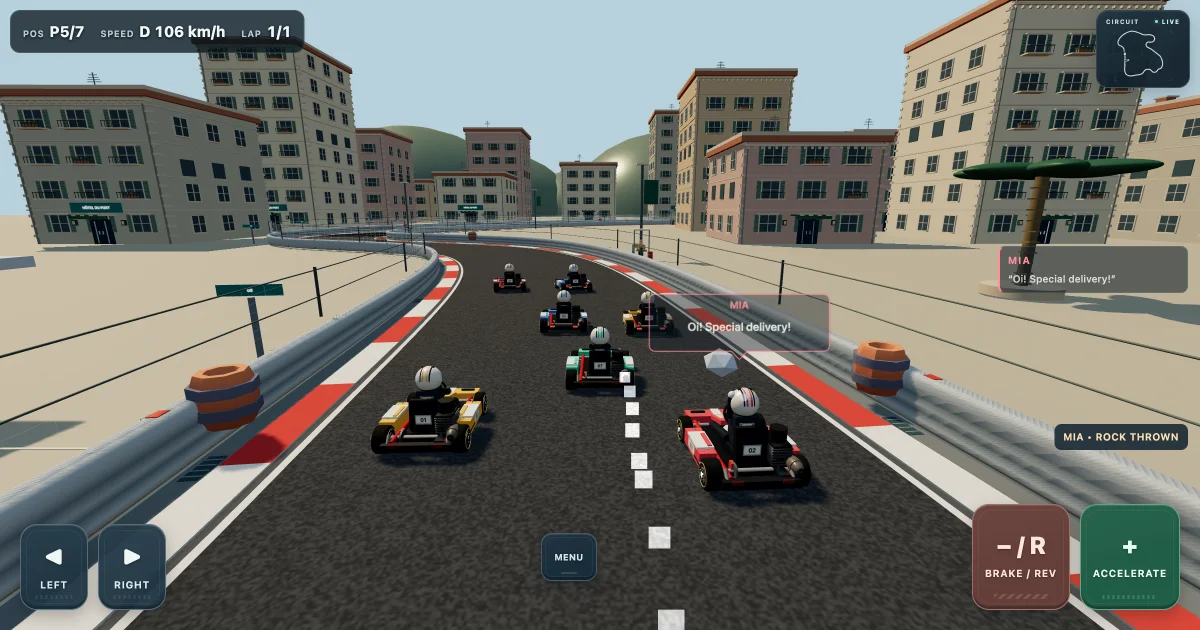
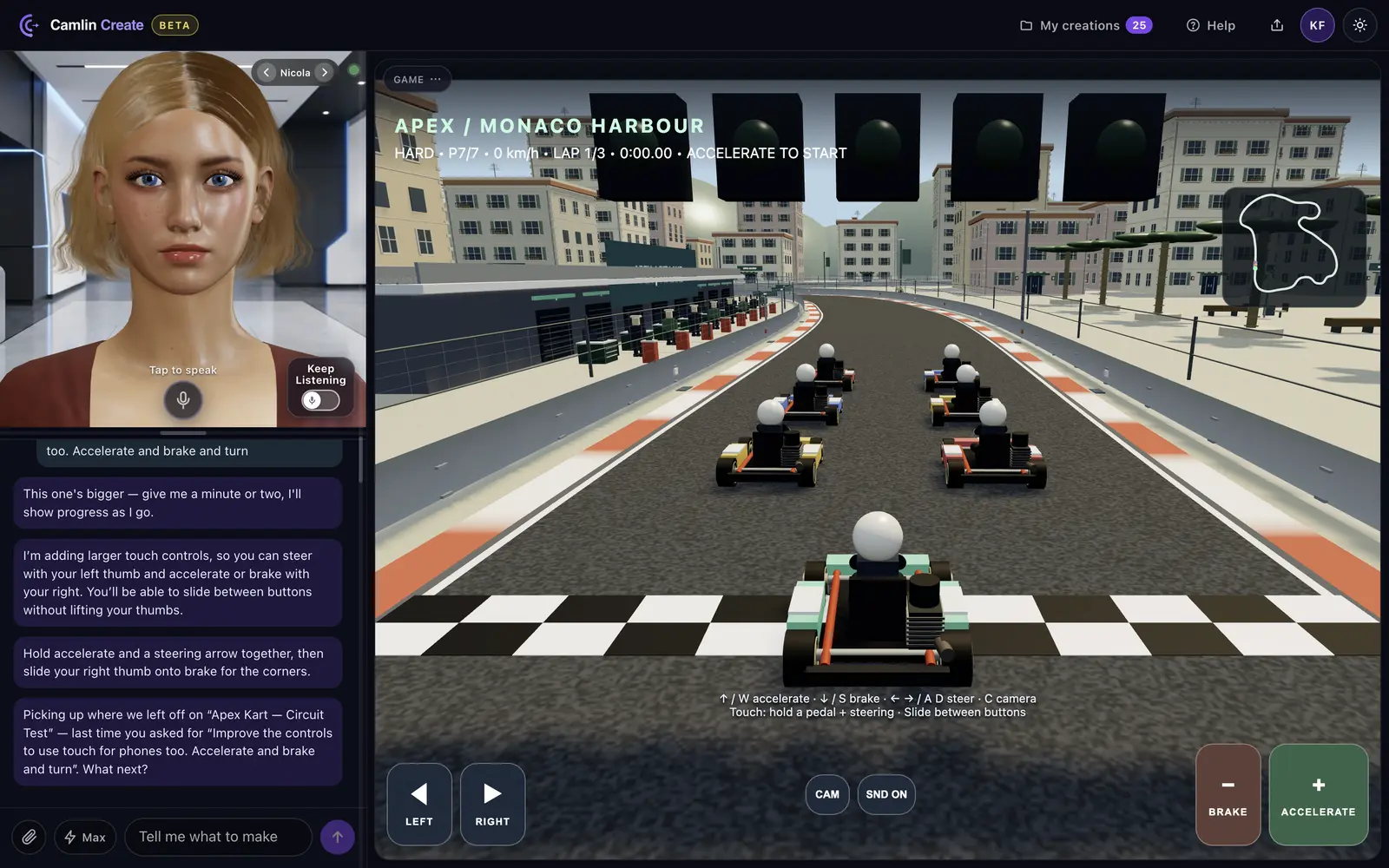
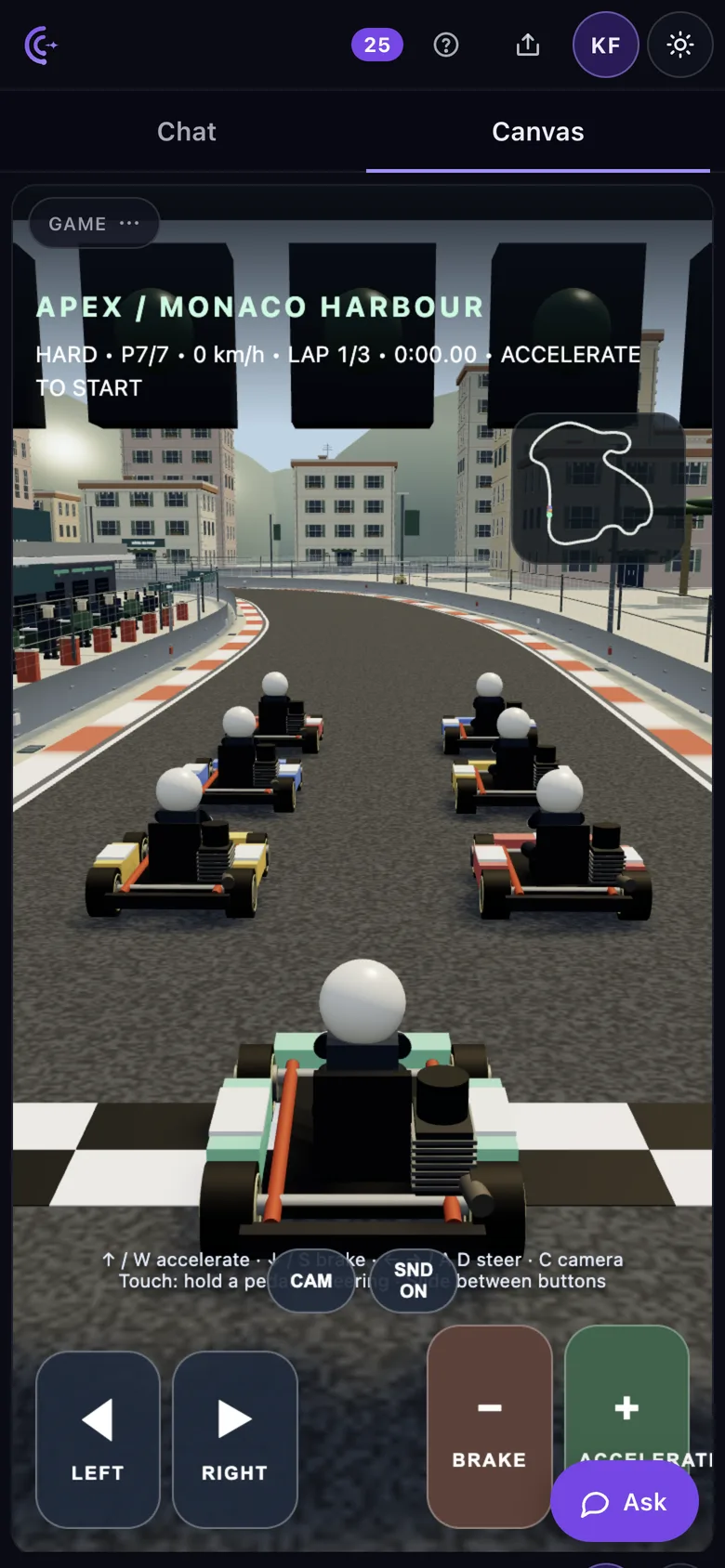
A 3D kart racing story: eight chapters on five circuits, rivals who throw things, engine sound and touch controls for phones.
 with Nicola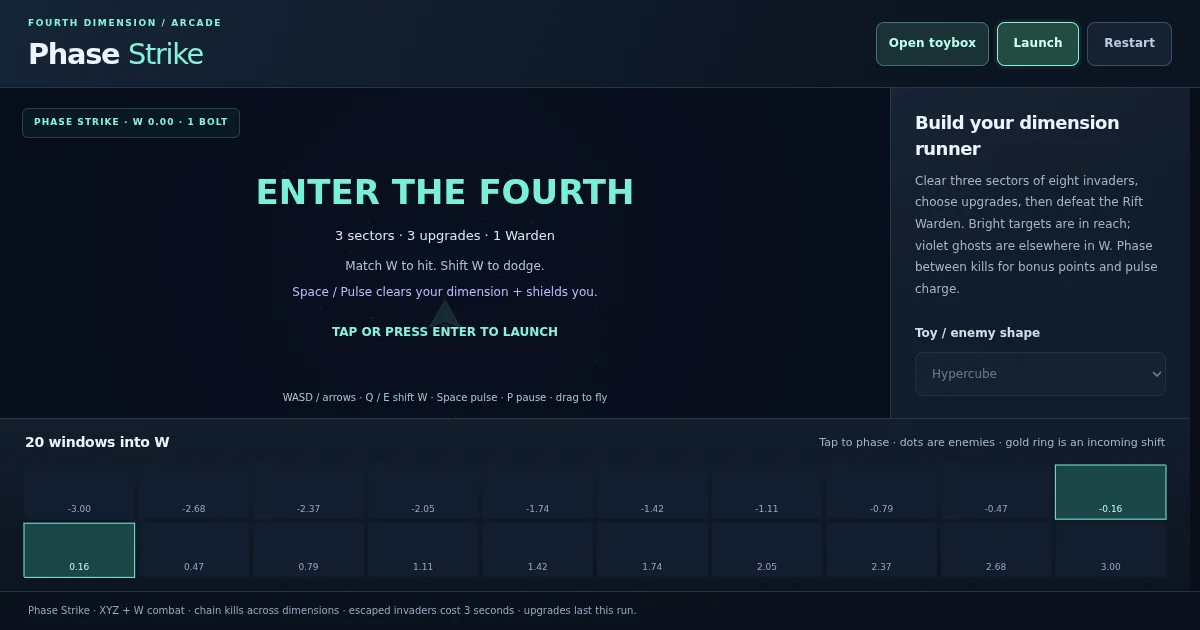
Phase Defender: fly a rescue ship through six sectors in XYZ plus W. Collect colonists, return them to base, and phase through fire.
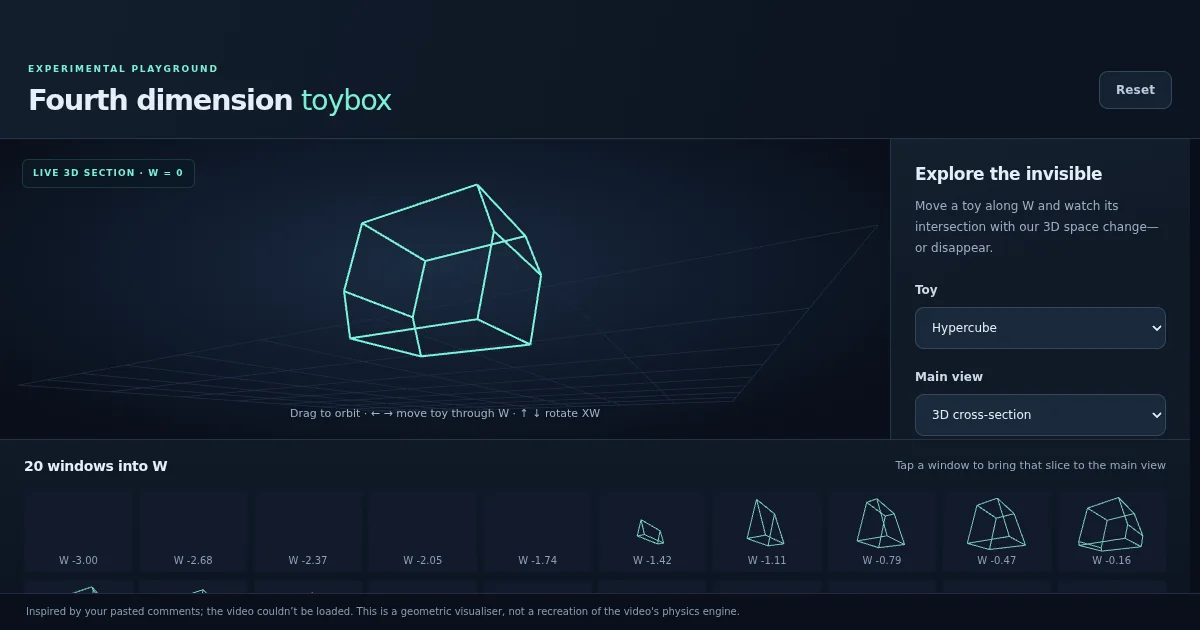
A hypercube, a 16-cell or a hypersphere, slid along W, with twenty windows into the fourth dimension.
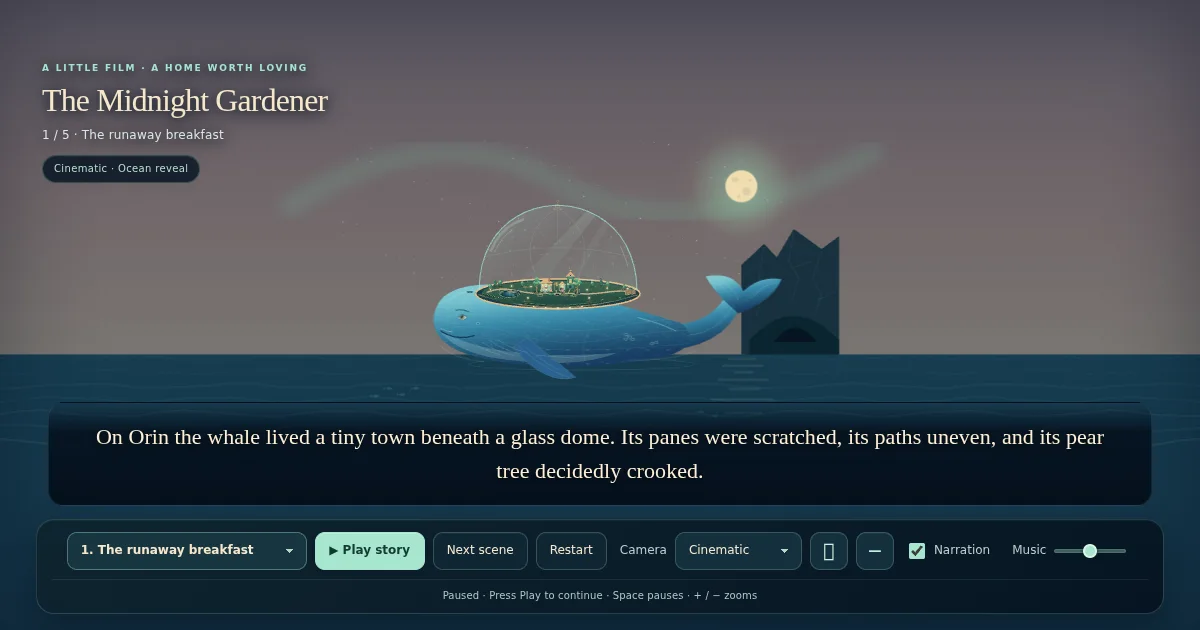
A five-scene film. Mara, Kit and a town on a whale, under the line “No one carries home alone.”
 with Sam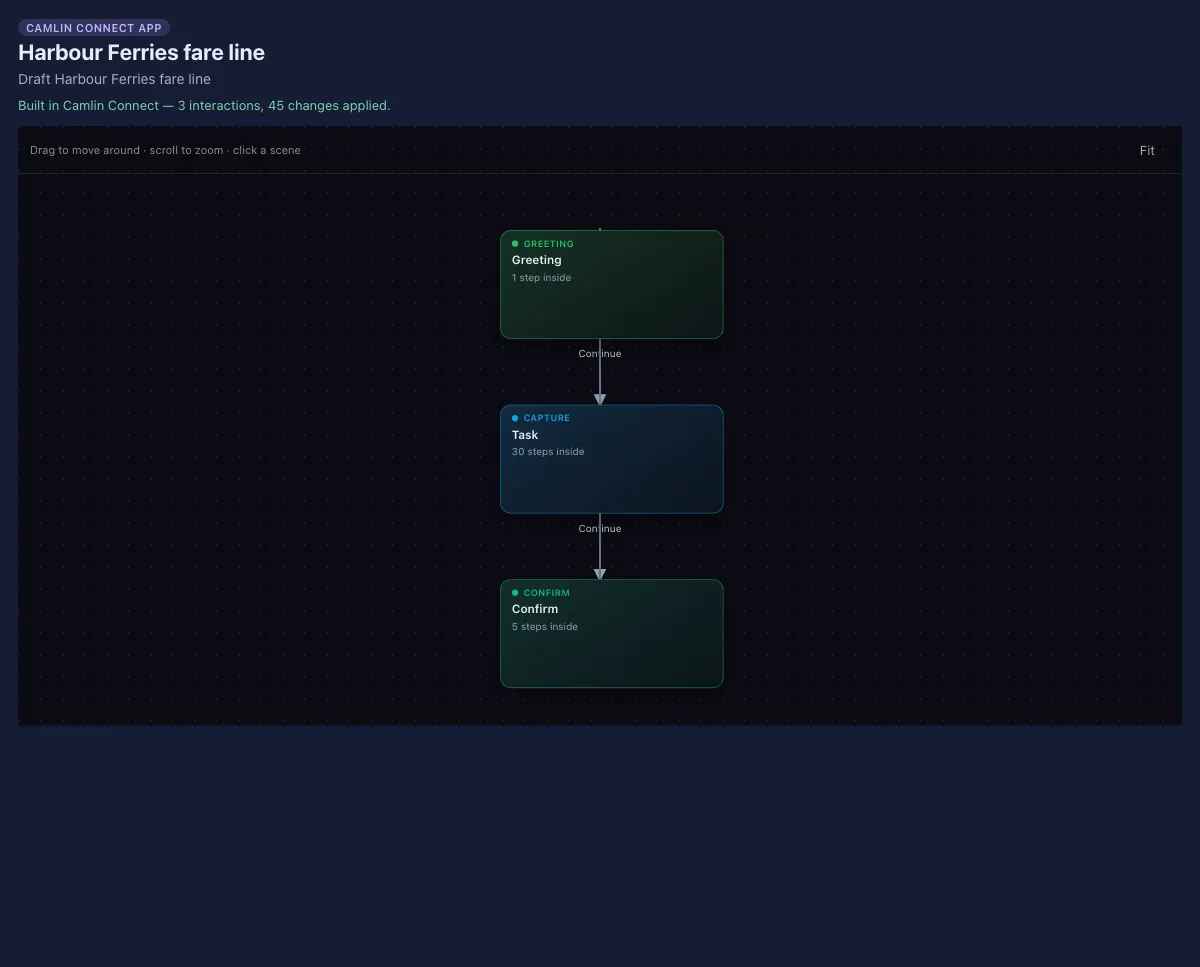
A phone-and-chat fare estimator. Three scenes — Greeting, Task and Confirm — joined by Continue arrows.
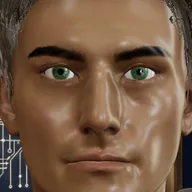 with Arc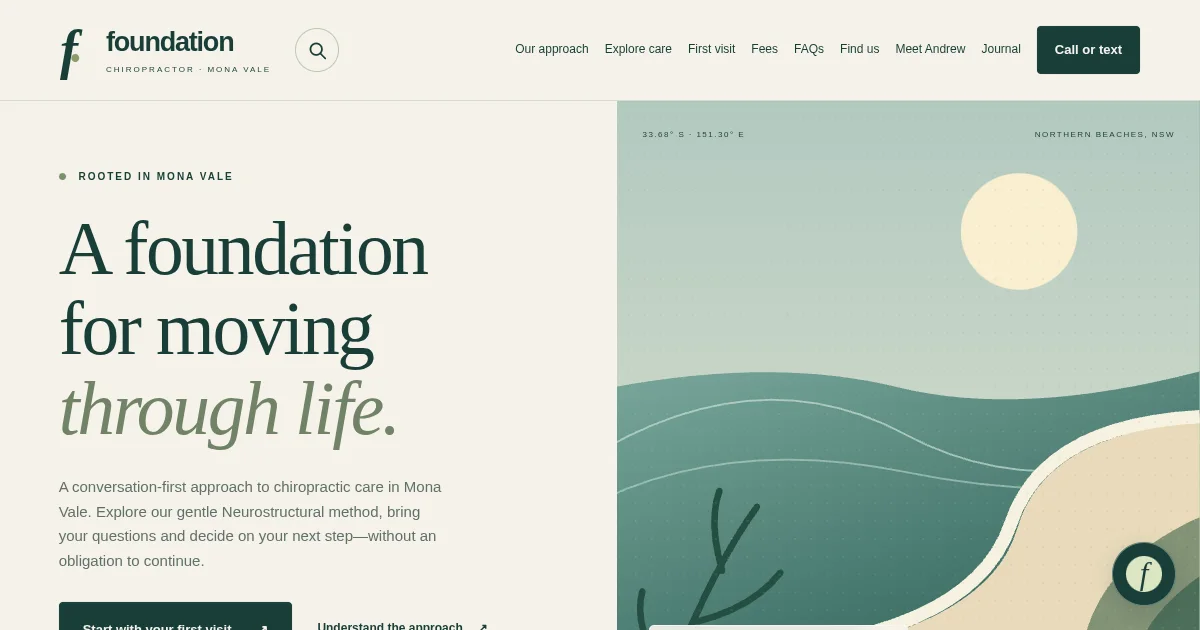
A multi-page practice website with a guide, built from the practice’s own material. Placeholders for hours and details await the owner.
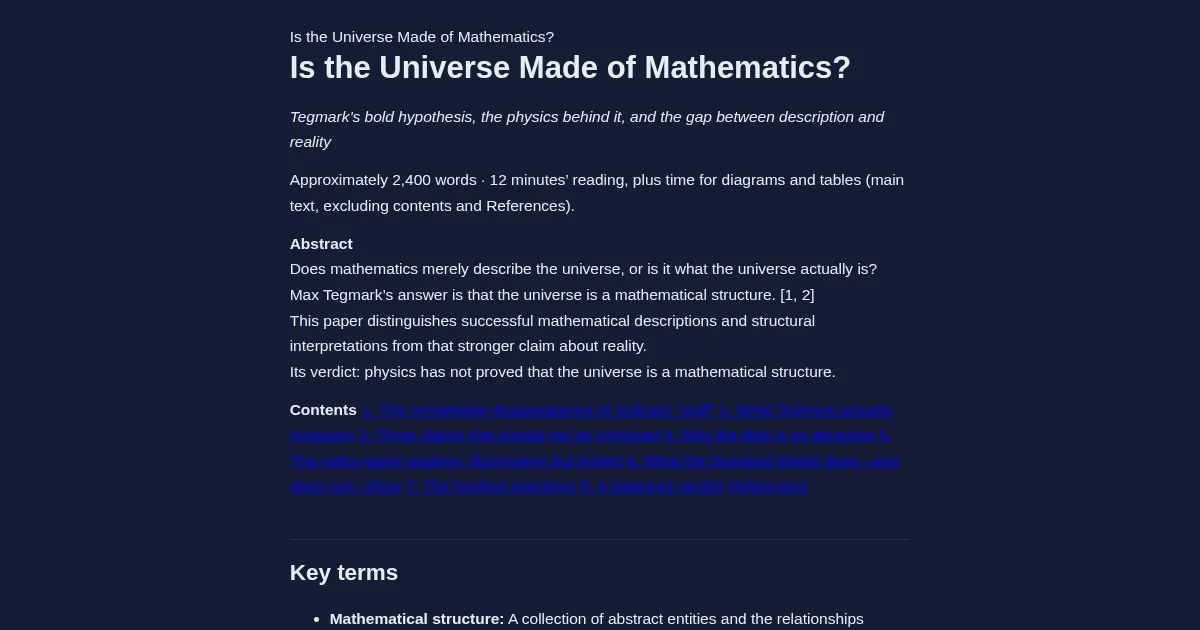
A discussion paper, about 2,400 words, with an abstract, a contents list and key terms.
with Arc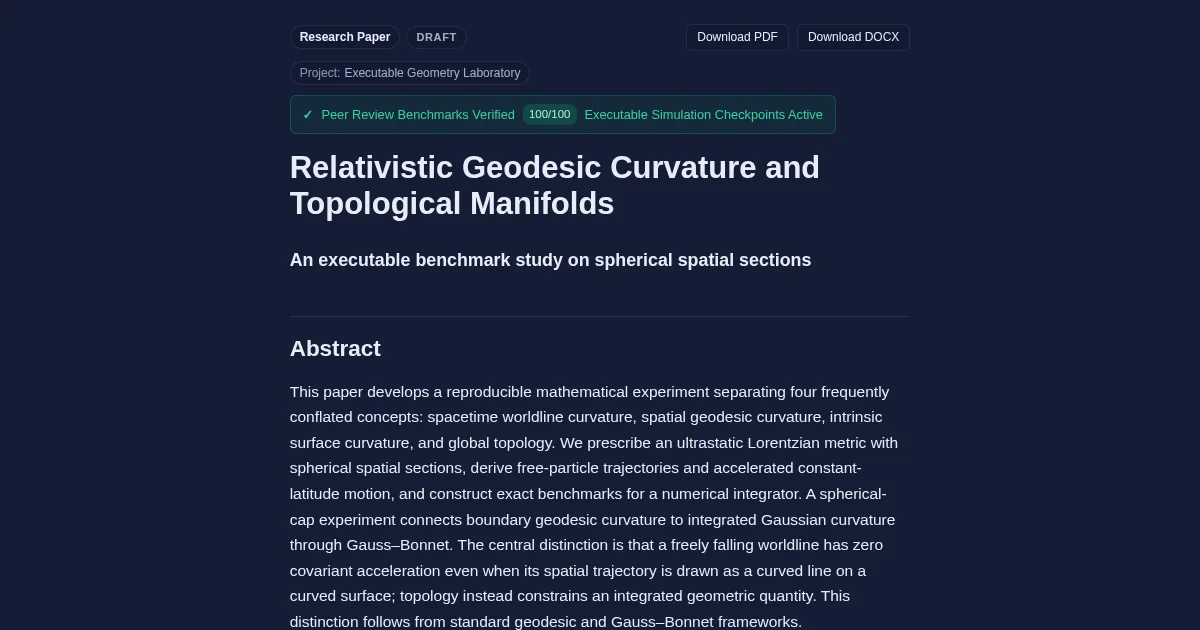
A research paper you can run: how paths bend in a curved universe, exact answers to check, and links that open live 3D experiments beside it.
with Arc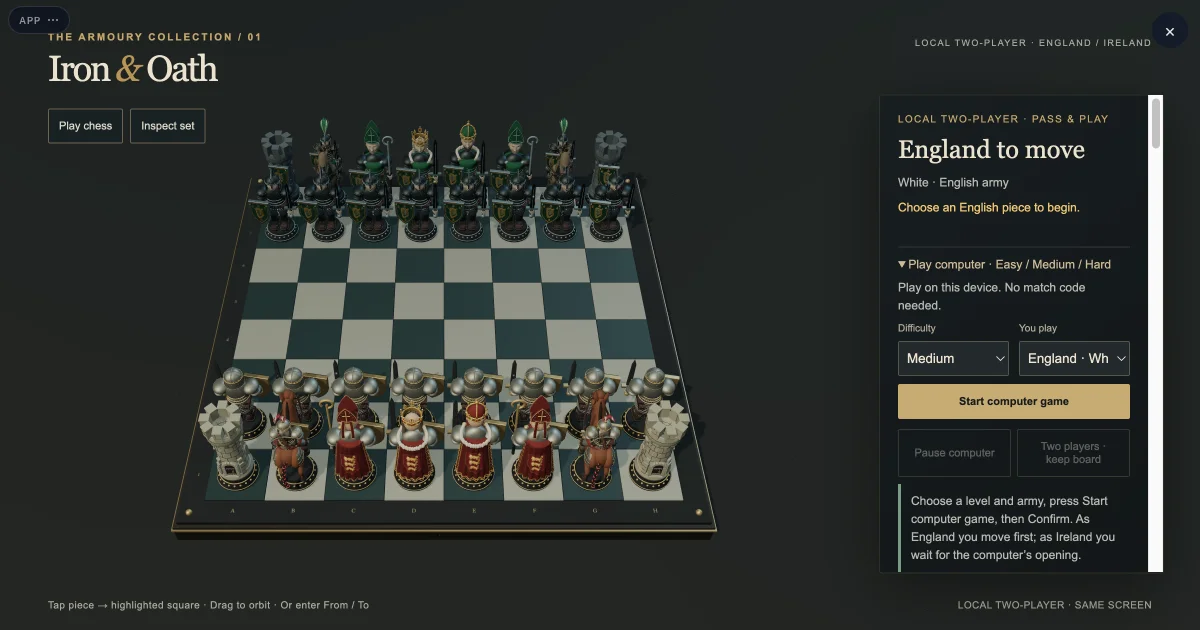
A 3D medieval chess game: English and Irish armies, metal clash audio, check announcements with Jeremy’s voice, and shared match codes.
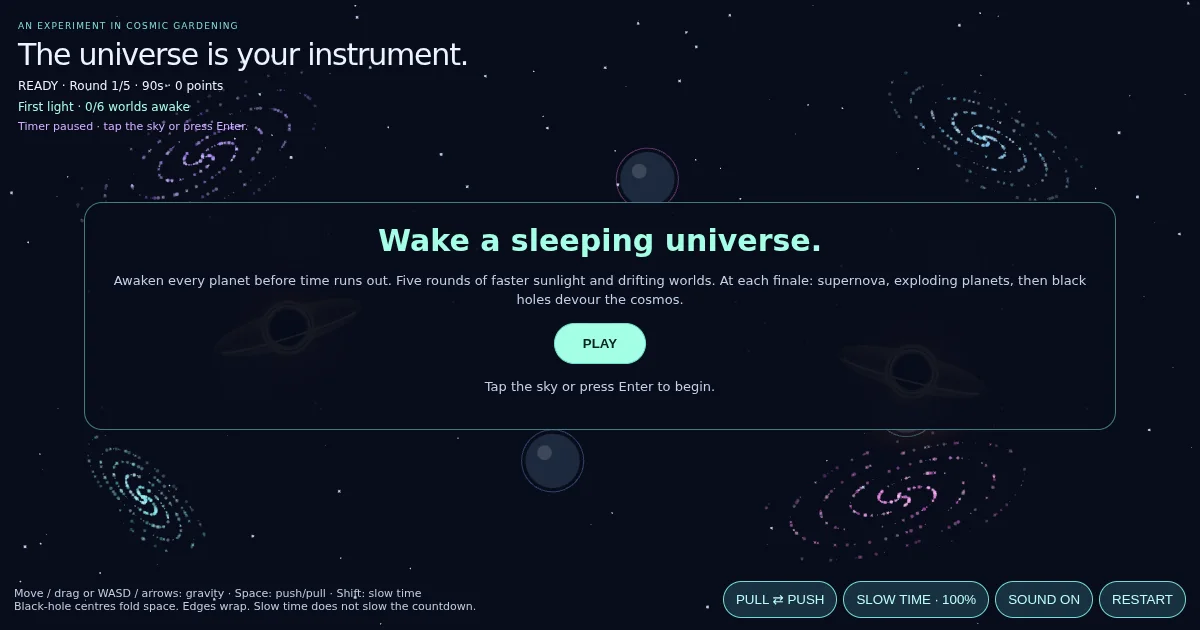
Wake a sleeping universe before the clock runs out: gravity, black holes and five rounds of drifting worlds, with sound.
with Nicola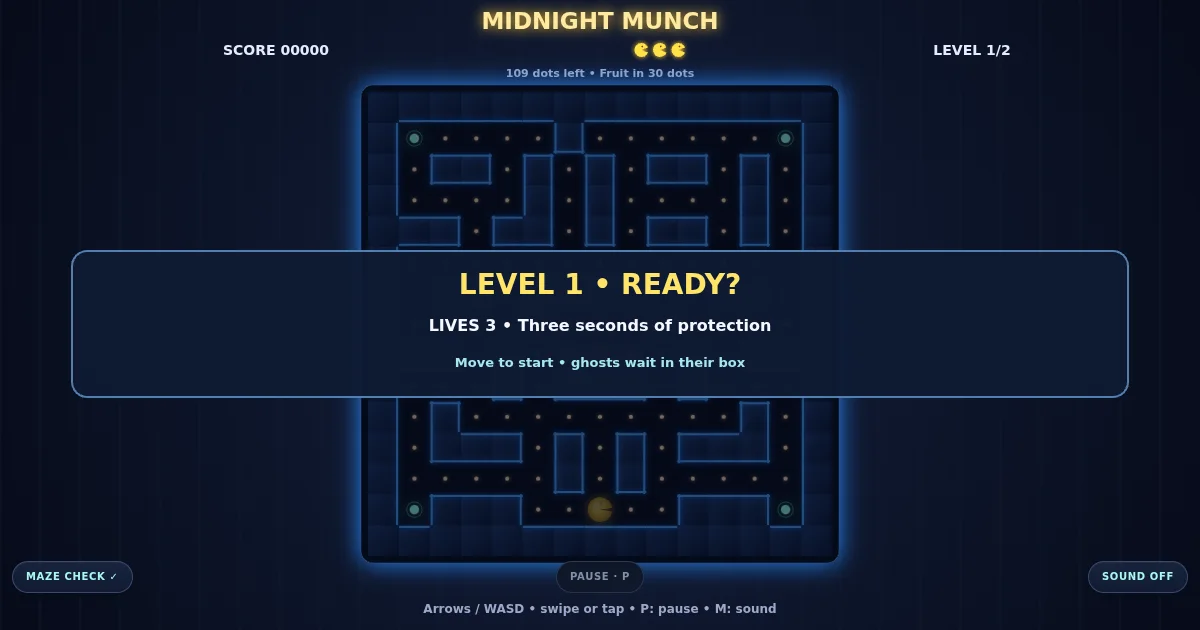
A Pac-Man-style maze game: clear the dots, dodge the ghosts, collect the fruit, with lives and two levels. Arrows, WASD or a swipe on a phone.

A printable desk tray: HELLO on a round disc, a pen cup, a ring and a slot. Turn it around, then download it to 3D print.
 with Cara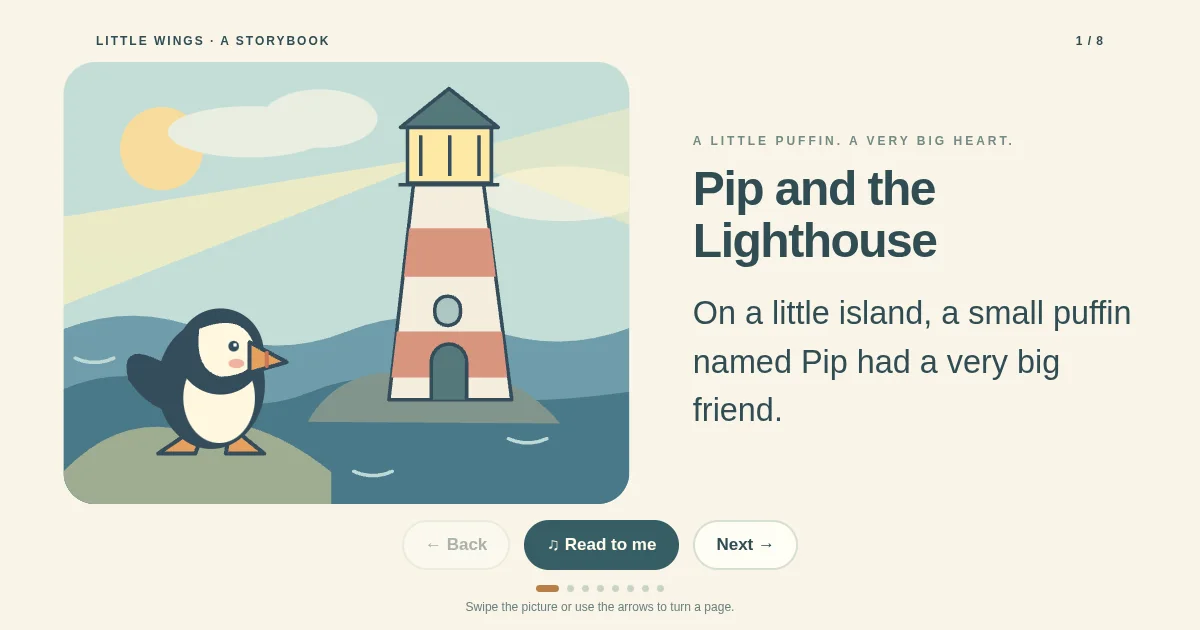
An eight-page illustrated picture book about a puffin and a lighthouse keeper, with page turns, swipe and a Read to me button.
with Nicola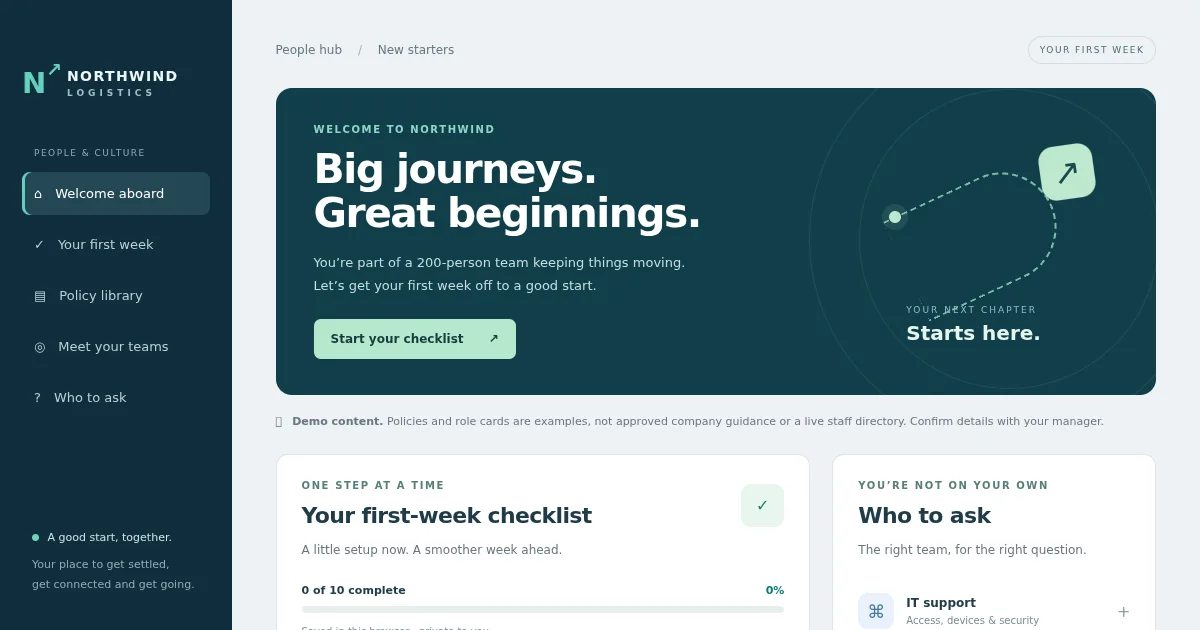
A new-starter portal for a logistics firm: a first-week checklist saved in the browser, a policy library, team cards and who to ask.
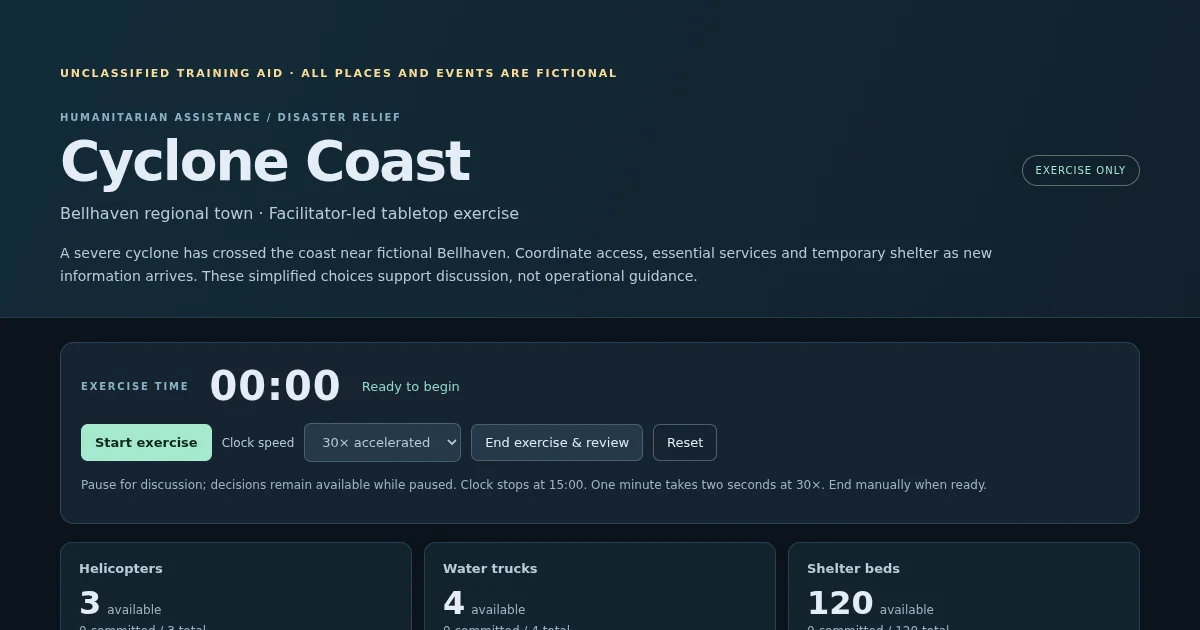
An unclassified disaster-relief tabletop exercise: timed injects, decision options, a decision log, resource tracking and an after-action summary.
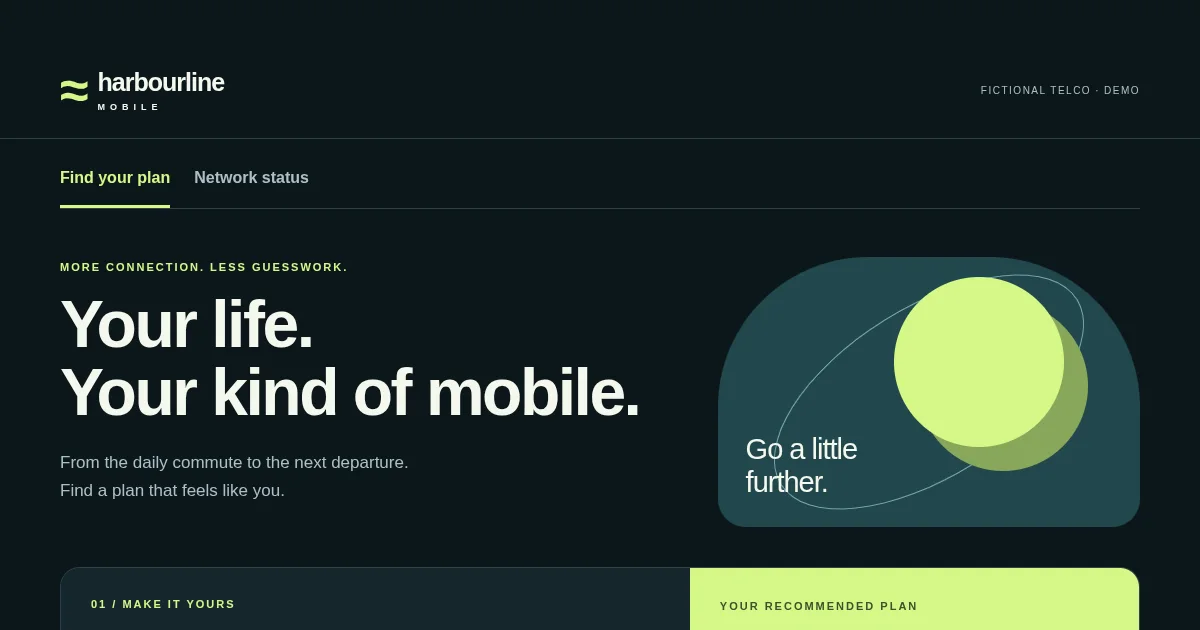
A fictional telco’s plan finder and network status page: usage sliders that recommend a plan, a side-by-side compare and region status.
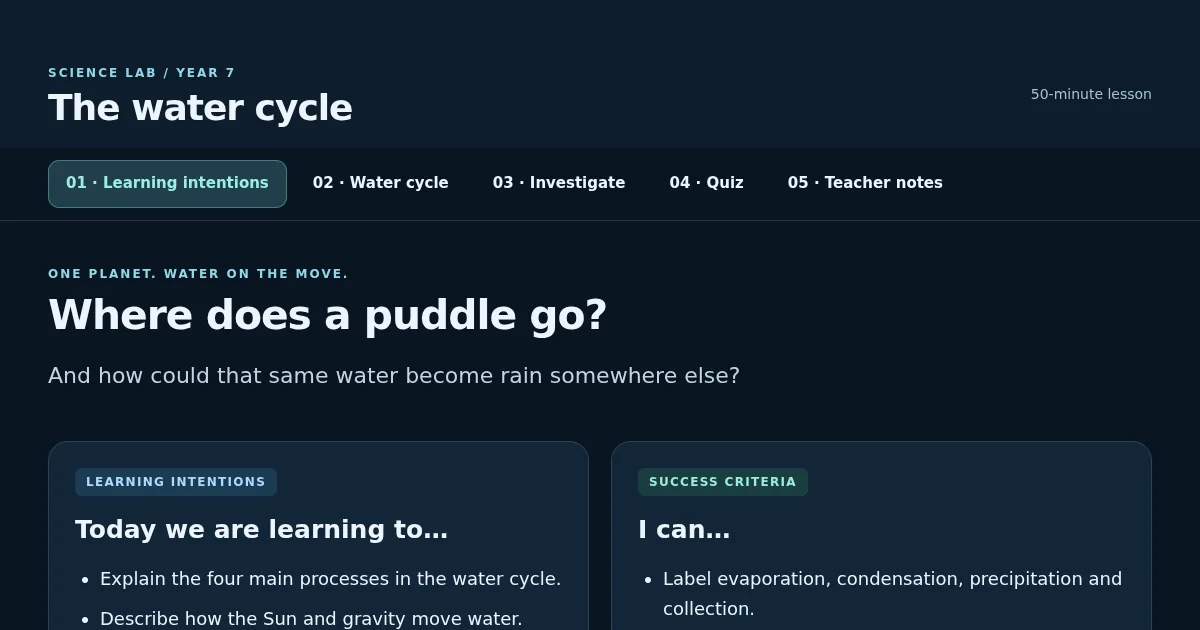
A science lesson to run in class: learning intentions, a step-through water cycle diagram, an activity card, a quiz with a score and teacher notes.
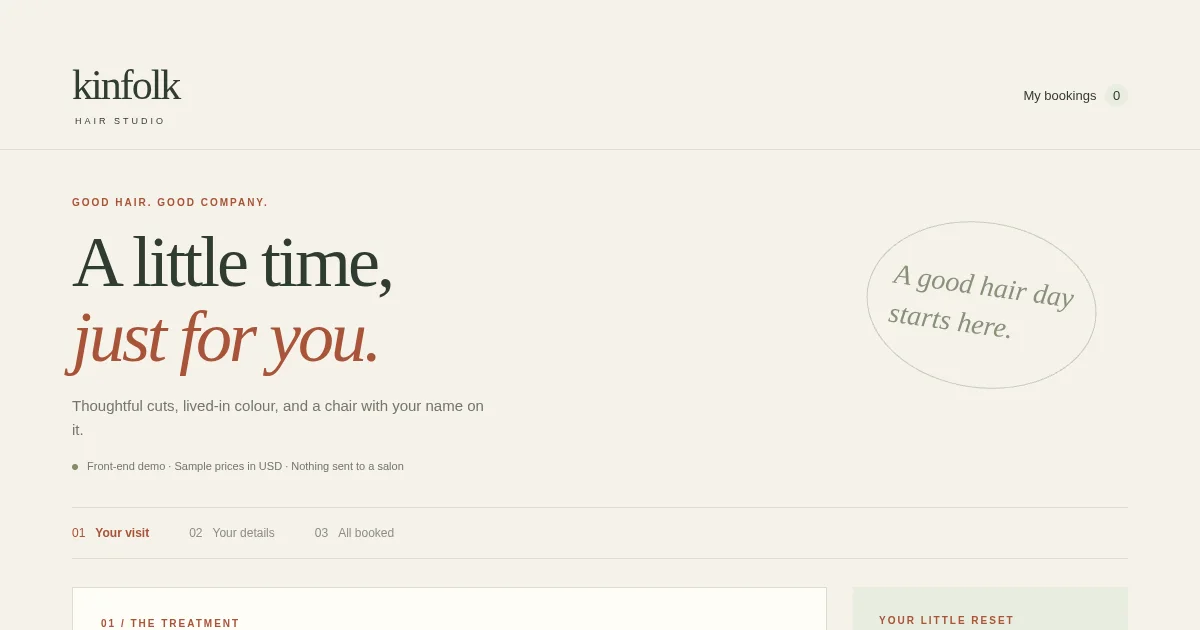
A salon booking page: services with prices and times, a stylist, a week of free slots, your details, then a confirmation with add to calendar.
What you say, what appears
Say it out loud or type it, and the Camlin avatar makes it on the canvas.
A Camlin Connect phone or chat assistant you test by text, live only after a person approves it. Drafter writes agreements too. See examples
A multi-page website for phone and desktop, grown page by page, with a Companion guide on it if you want one. See examples
A working app with real code you can open and edit, built and fixed in the browser, with shared data. See examples
A research paper with equations and links that run a live simulation beside it. Export to Word or PDF. See examples
A Camlin avatar of you from a few photos or a short video — first steps are in Create now — or the cast talking in your 3D scenes. See examples
Playable 3D and arcade games with touch controls, short animated films, and parts you can 3D print. See examples
Full release
Every new Camlin Create account gets a full month of free making — 60 turns a day, no card required. Or try it first: Open Create works in your browser tab before you sign in.
Keep every project, version snapshot and conversation across devices. Undo, redo or branch any earlier version into a new creation.
Room for the biggest apps, analysis and charts from your own data, pictures made to order, 3D models made from a picture, and a choice of AI model.
Upload folders of pictures, sounds and 3D models to build with, and let a creation keep shared records — a leaderboard, a sign-up list — with nothing to set up.
Invite teammates or classmates to edit with you live, share a playable link or a QR code, and export code, 3D print files, Word, PDF or PowerPoint.
How it fits together
You talk; the Camlin avatar makes it on the canvas and keeps every version. When it is ready, share it, hand it to Camlin Connect, or take the files.
Built for every discipline
Seven kinds of work, one line each, and every card opens something real made in Create. Create runs leading AI models and moves to better ones as they arrive.
Illustrated picture books with Read to me, interactive stories and short films, with 3D props from a picture.
Onboarding portals, policy libraries, internal tools, and assistants that go live once a person approves.
Training aids: tabletop exercises with timed injects, decision logs and an after-action summary.
Plan finders, network status pages, and phone and chat care flows you can then build in Camlin Connect.
Lessons a teacher can run with a quiz, and research papers with real equations and a live simulation.
A website for your practice, a booking page for your salon, and a receptionist that answers the phone.
Games, 4D toys, a textured 3D model from a photo or a part to print — and it grows as the models improve.
New in Create
Both sit on Create Plus and Pro. Open a project, then Photo to Video from the account menu.
One photo brought gently to life, several photos joined or travelled through, or a short clip carried on — about 10 to 15 seconds at 1080p, with a visible AI-generated mark. Photos of children are refused.
For a talking video, use a stock Camlin voice or clone one from a WAV, MP3, M4A or a video that has the voice — with consent, a preview, and delete when you are done. It stays in that project only, is never used to train a model, and public figures are refused.
One conversation
A small worked example of how a piece grows: six asks, one avatar, one canvas. Everything above started the same way — with a sentence.
“Draw a yellow circle.”
A clean drawing lands in a few seconds and the avatar tells you what it did.
“Make it a window with a view.”
The drawing becomes a page: frame, sky, hills, a little life behind the glass.
“Add curtains and a cat on the sill.”
It edits the piece you have, not a new one. Undo is one click.
“Turn the room into 3D.”
A lit three‑dimensional scene you can orbit, with the same window and cat.
“Let me stand in it.”
On a headset browser the scene opens as an immersive space. On a laptop it stays on the canvas.
“Make the cat catch mice — a game.”
A playable game with keys and a score, written and repaired live. Bigger asks take about a minute.
What it is
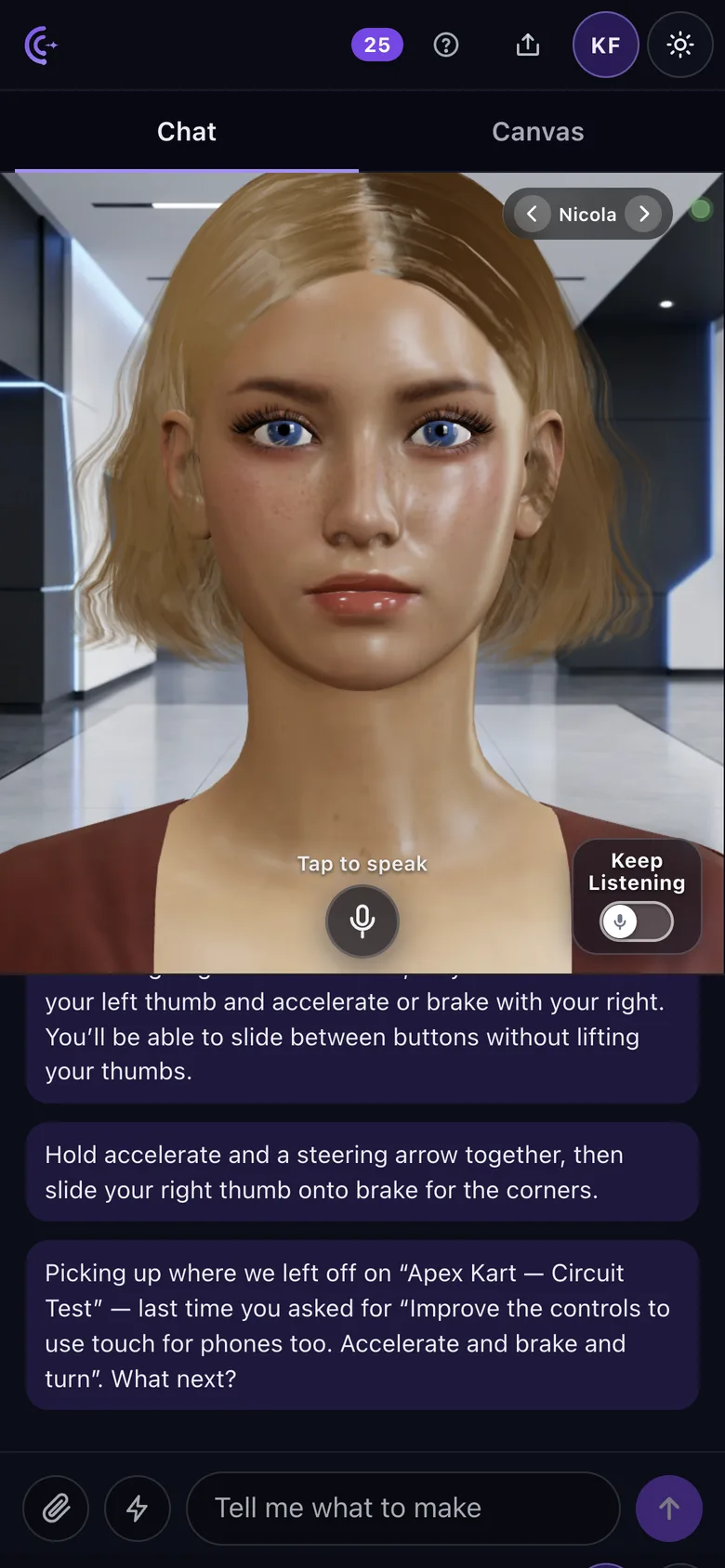
Camlin Create is a maker you talk to. A Camlin avatar — Nicola, Cara, Arc, Sam or any of the others — listens, replies out loud within a few seconds, and works on the canvas beside it while it speaks. It makes games, animated stories, responsive websites, 3D scenes and printable models, multi-file apps with code, slide decks, research papers and documents, guides and Camlin Connect assistants, and it keeps working on the same piece when you ask for changes.
It is built for enterprise teams, researchers, engineers and developers as much as for creatives, students and families. Ask for a research paper and it writes one with equations, live experiments and web search behind it; attach a spreadsheet and it charts it; attach a photo of an object and it makes a textured 3D model of it for your scene or game; on Create Plus and Pro, open Photo to Video from the account menu to turn your own photos of adults into a short 1080p clip (about 10 to 15 seconds), with a stock Camlin voice or a project voice from a recording you have permission to use; ask for a racing game and the cars handle like cars, drifting, denting and losing parts when they crash, on a phone too; ask for a deck and the avatar can present it. Then export to PDF, Word, PowerPoint, a 3D print file or a zip of the code.
It runs in the browser. Speech recognition is Camlin Speech, the avatar and voice are the Camlin Avatar channel, and the making is done by a frontier model. Create a free account to get your first month free, save what you make, keep every version, and share each one with a link.
What you can make
One avatar, one conversation, ten kinds of thing — for enterprise, for research, for engineering and play. Every one of them keeps taking changes when you ask. How to ask for each one →
Vector drawings and technical diagrams that appear as they stream. Ask for more detail, a colour, a different shape.
Responsive web pages, multi-page business sites and interactive visualisers, running live as they are made.
Playable 3D arcade and board games, and driving games with real car handling — cars that drift, dent and lose parts in a crash — with keyboard and touch controls, sound, a score on screen, and two-player matches you join with a code.
3D scenes you arrange by dragging things into place, characters that walk, wave and talk, ready-made props, textured 3D models made from your own picture of an object, parts sized in millimetres to 3D print, and — on Plus and Pro — Photo to Video: a short 1080p clip from your own photos of adults.
Working apps with real code you can open and edit, room for your own files, shared data with nothing to set up, and a link to share.
Slides with speaker notes the avatar can read aloud. Export to PowerPoint or PDF.
Research papers, briefs, memos and agreements such as a statement of work. It works from your notes and files, points out what is missing, marks up changes for you to accept, and exports to Word or PDF.
Step-by-step walkthroughs with checks and small illustrations; the avatar narrates each step.
A phone or chat receptionist, booking line or menu, built for real in Camlin Connect from your conversation. Try it by text on the canvas; it goes live only after a person approves it.
For families
The same conversation that makes a receptionist or a research paper makes things for home, university and school. Ask out loud; it lands on the canvas.
A term of lessons, a university revision module, or a club activity pack, drafted in conversation and kept as a document or a deck the avatar can present.
Step-by-step for homework, a science fair or the family tablet, with checks and the avatar reading each step out loud.
A times-table trainer, a map quiz, a physics simulation, or a chart from the class spreadsheet. Interactive pages that take the next ask.
Tiny games with a score, not a shop. Catch, count, spell or explore — then share a link to the family phone.
How it works
The avatar answers in three to five seconds, before the artefact is finished, so you are never waiting on a blank screen.
Drawings appear line by line and games build in front of you. If something breaks while it runs, it gets one automatic fix. 3D scenes also open in a VR headset’s browser.
Every ask edits the piece on the canvas. Undo and redo walk a history with snapshots, and you can start a new creation from any older version.
Share a creation as a link or a QR code. It opens full screen on a phone, playable, before the other person has an account.
Attach photos, PDFs, spreadsheets, sound or 3D models to an ask, turn a photo of one object into a 3D model, turn your own photos into a short video on Plus and Pro, and keep up to 1 GB of files with each creation.
A big build shows its progress as a checklist and keeps going if you close the tab. Turn on Max mode to give the largest jobs more room.
Coming next
Shared data already works from the chat today, with a Data view to see and edit it and an Assets library on every creation. Next, the same avatar and canvas open onto more of the Camlin family — three things we are building now.
On Create Plus and Pro, open a project and choose Photo to Video from the account menu: one photo brought to life, several photos joined or travelled through, or a short clip carried on — about 10 to 15 seconds at 1080p, with a visible AI-generated mark. Talking videos can use a stock Camlin voice or a voice cloned for that project from a recording you have permission to use (consent required; not for children or public figures).
Make a Camlin avatar of yourself from a few photos or a short video, give it a voice, and put it to work — in Create, on your website, in Camlin Connect. Guided capture, an honest side-by-side with your photo, a few sliders, then it blinks, smiles and speaks. The first steps are open by invitation while in preview.
A Camlin voice of yourself for your avatar — your tone and accent in everything you make — is still in development. Project voices for Photo to Video are separate (see Help).
Step inside your 3D creations on an Apple Vision Pro or Meta Quest headset: walk around them, hear sound from where it starts, and move things with your hands.
Every new Camlin Create account starts with a free month of making (60 turns a day, no card required). Create a free account now to save your projects, unlock your 1 GB Asset Library and zero-setup shared data, and share or co-edit everything you build.
Camlin Create is the live showcase of the Camlin Connect platform: the same avatar, speech and runtime that answer real customers as Camlin Companion and Camlin Contact. Built and run in Sydney by Nuamedia.
by
Start with anything: a 3D game, a responsive website, an executable research paper, a phone assistant for your business, or a parametric part to print. Keep going from there — every version is kept, and any of it can be shared with a link.